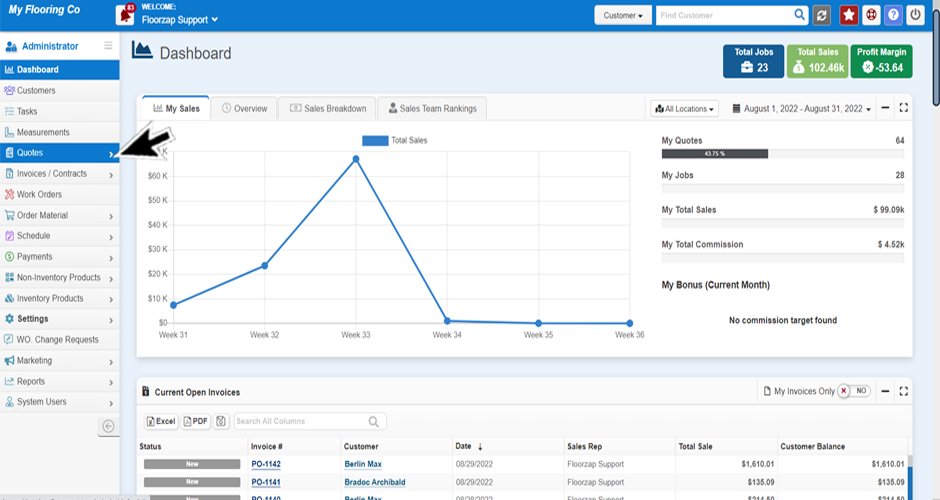
- If you’re not already on the quotes screen navigate there by selecting the “all quotes” section from the “quotes” tab from the menu bar on the left-side of your dashboard.
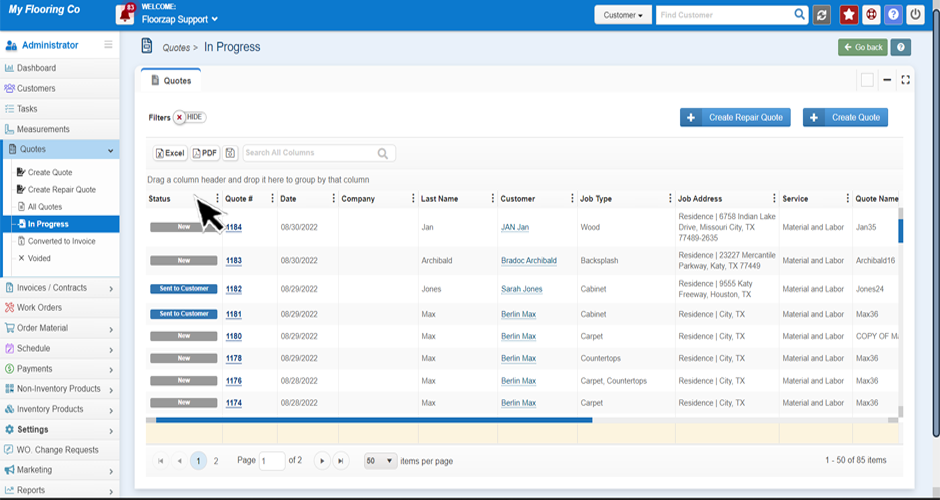
- Click on the top of the column you wish to sort.
- You will see a small arrow appear that is either pointing up or down.
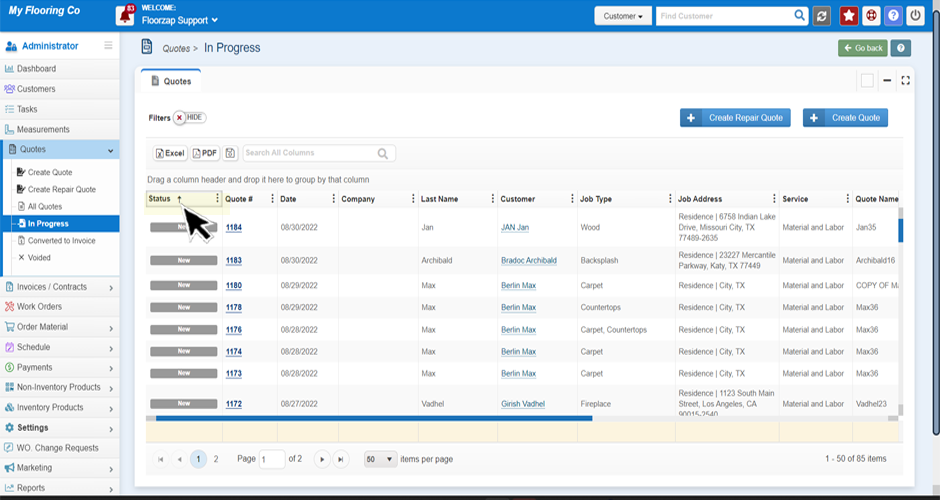
- To sort in ascending order, make sure the arrow is pointing up.
- To sort in descending order, make sure the arrow is pointing down.
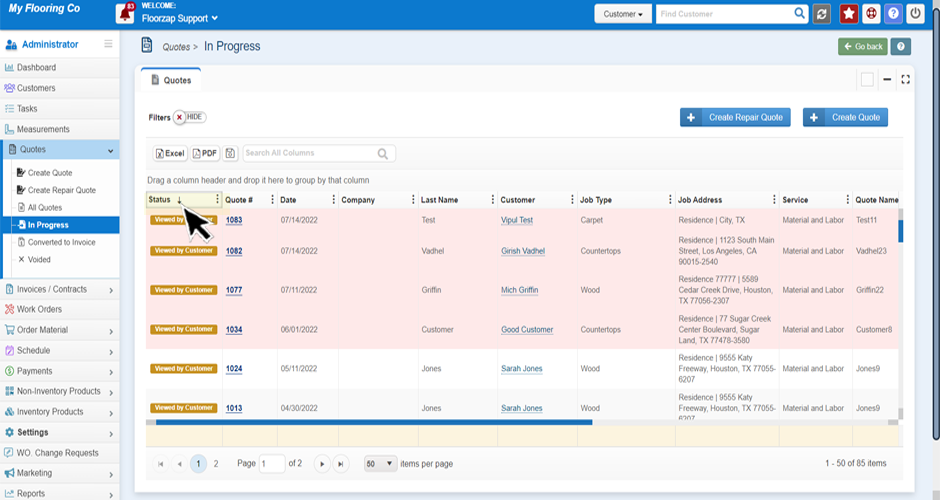
**To switching between ascending and descending you can click the same area and you will see the arrow move from up to down each time you click.
** this works for sorting any column.