- From the left-side of the dashboard navigate to the quotes tab on the menu on the left-side of the screen.
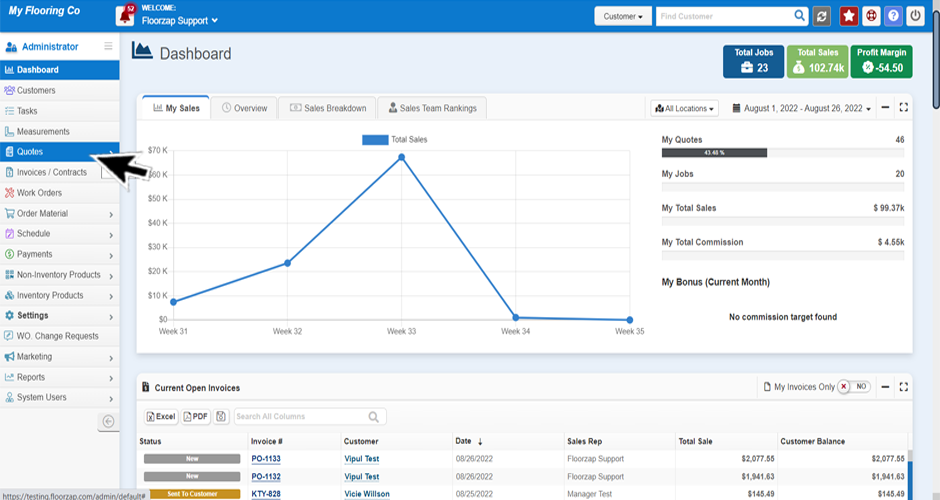
- Then click on either the “all quotes”, “in progress quotes,” “converted to invoice quotes” or “voided quotes” section.
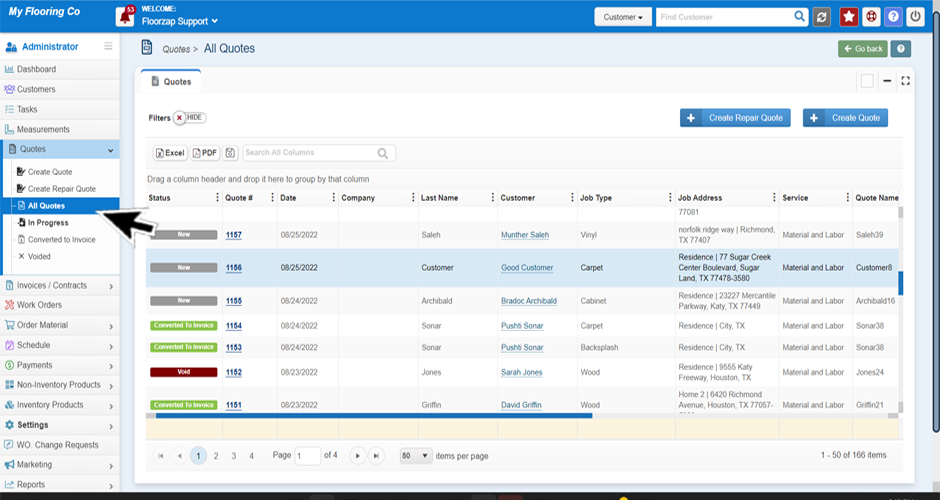
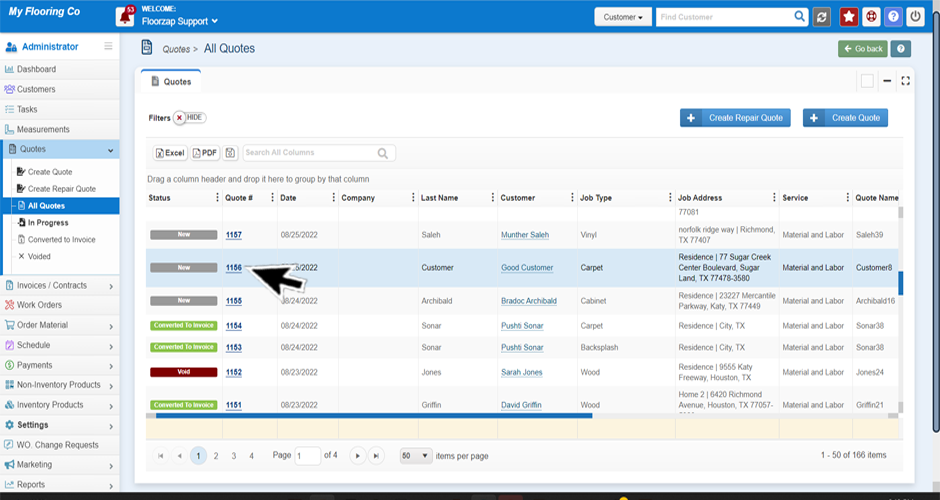
- Highlight the line of the quote you wish to duplicate by clicking on that line.
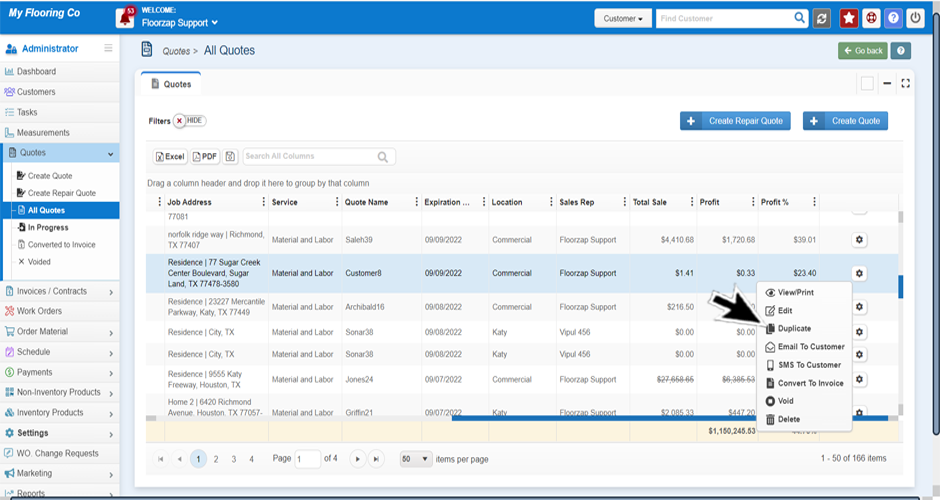
- Scroll to the far-right side of the screen and click on the gear icon.
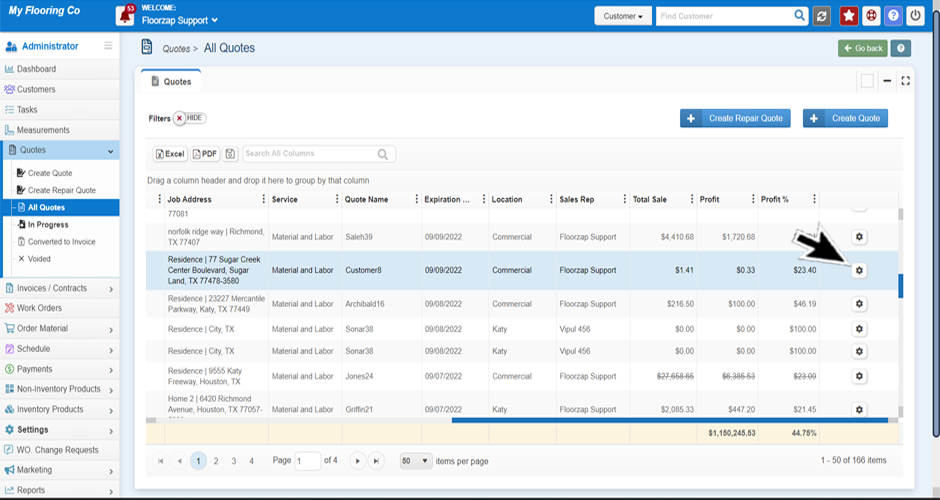
- Select “duplicate” from the menu.
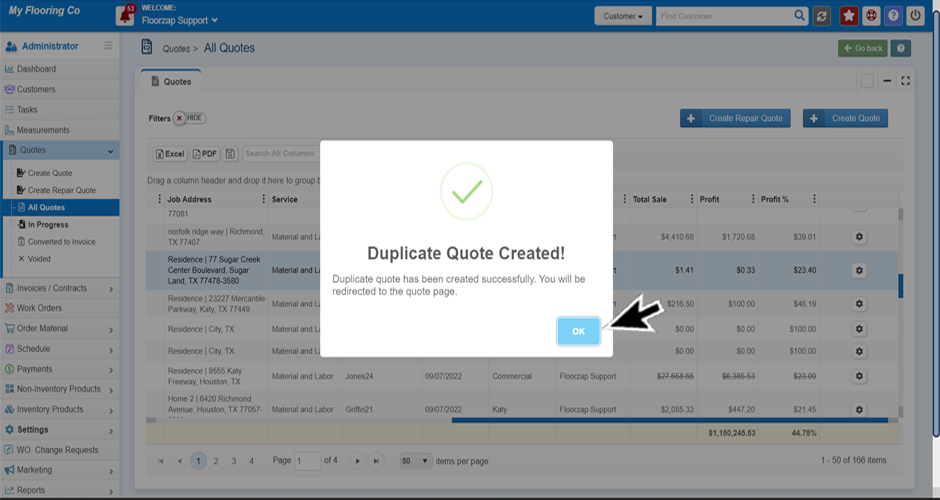
- Click ok.
Search Knowledge Base Articles
How do I duplicate a quote?
Did you find this article useful?
Related Articles
-
How do I sort quotes by status?
There are two ways to do this. Option A Navigate to the “all quotes” section by selectin... -
How do I save a specific filter when sorting quotes? / How do I keep my filters from changing?
Navigate to the “all quotes” section by selecting “all quotes” from the R... -
How do I sort a specific column in ascending or descending order?
If you’re not already on the quotes screen navigate there by selecting the “all quotes&#... -
How do I remove unnecessary columns?
If you’re not already on the quotes screen navigate there by selecting the “all quotes&#... -
When you save a template in a quote if there is a discount on it, does that save the discount too?
Both line item discounts as well as deduction line items will import, as they are part of the servic...