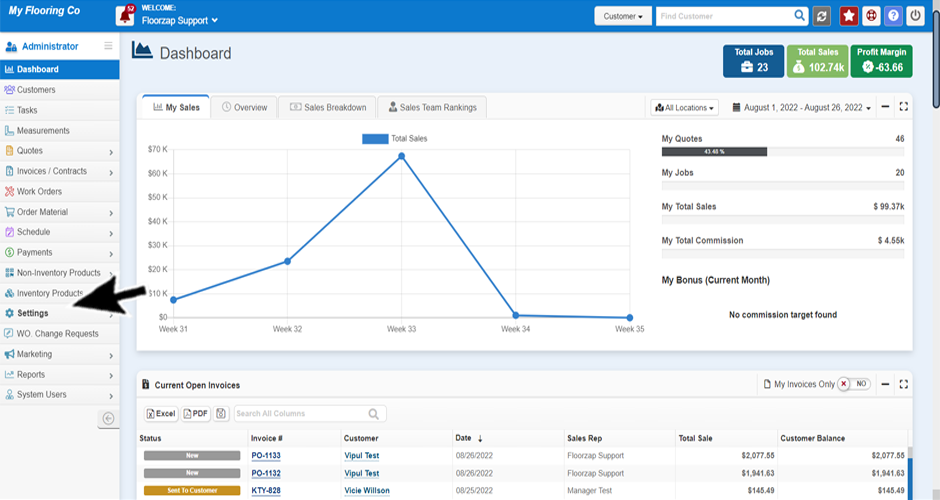
- From the dashboard navigate to the settings menu by clicking on the “settings” tab on the left-side menu.
- Several options will open under the settings tab.
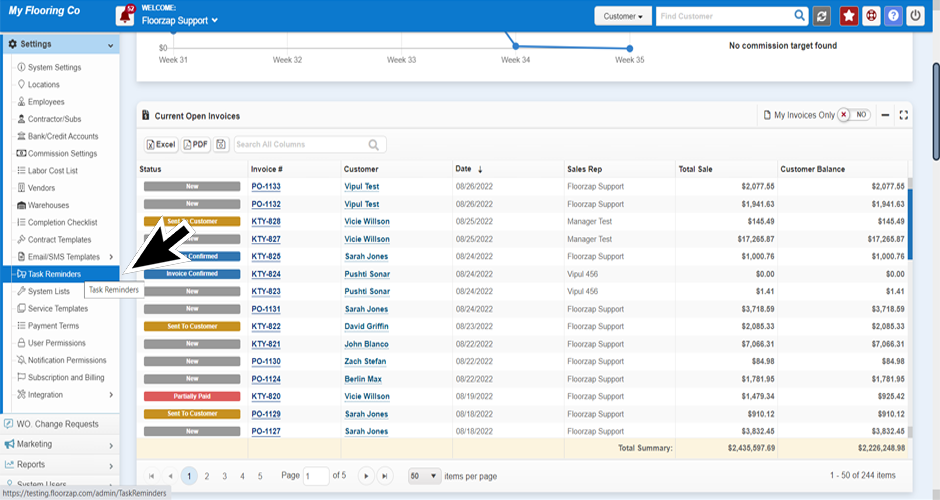
- Select “task reminders.”
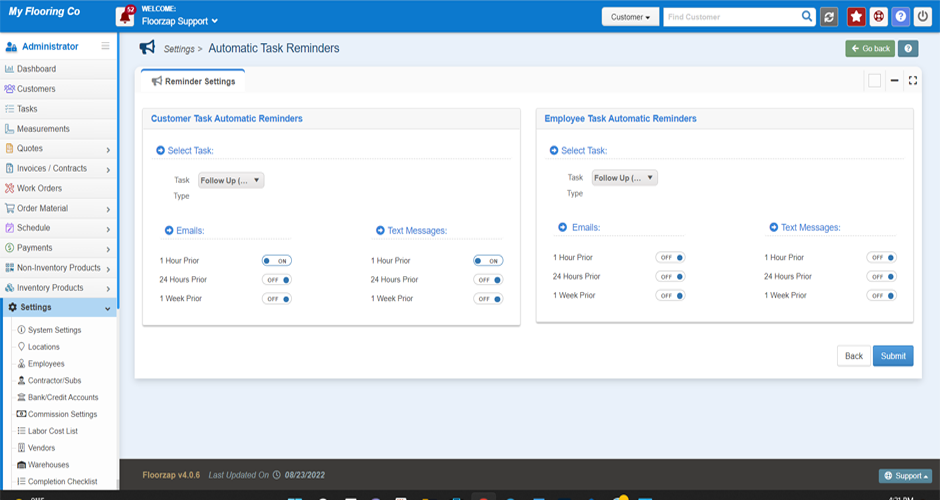
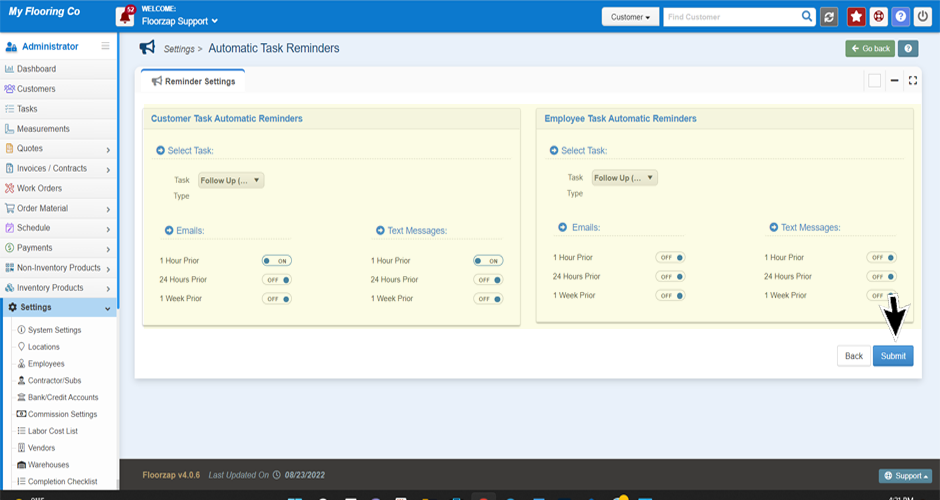
- The “automatic task reminder” settings will open in the main window. Adjust the reminders as needed.
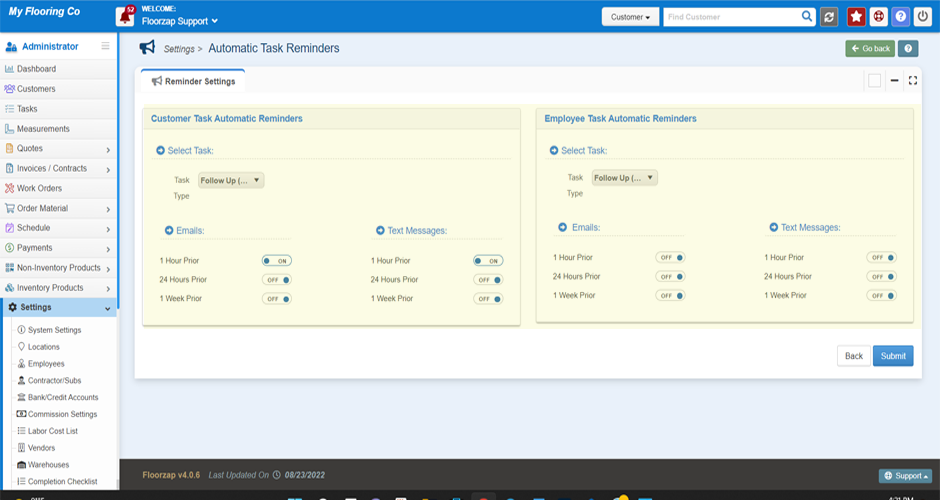
- Click save when finished updating.
Search Knowledge Base Articles
How do I set or adjust task reminders?
Did you find this article useful?
Related Articles
-
What Should I Name My Task?
You can use the task name as a simple reminder of what the task is about. Some customers use this fi... -
Is adding a customer to a task required?
No, you do not. You would want to connect a customer to a task that is part of your workflow for the... -
Creating your 1st Task
Navigate to the task menu by selecting the “task” button from the left-side menu on your... -
How do I add a new type of task?
Navigate to the task menu by selecting the “task” button from the left-side menu on your... -
How do I send task email or sms reminders to a customer?
Navigate to the task menu by selecting the “task” button from the left-side menu on your...