Toggle navigation
Knowledge Base
Login
Search Knowledge Base Articles
Search
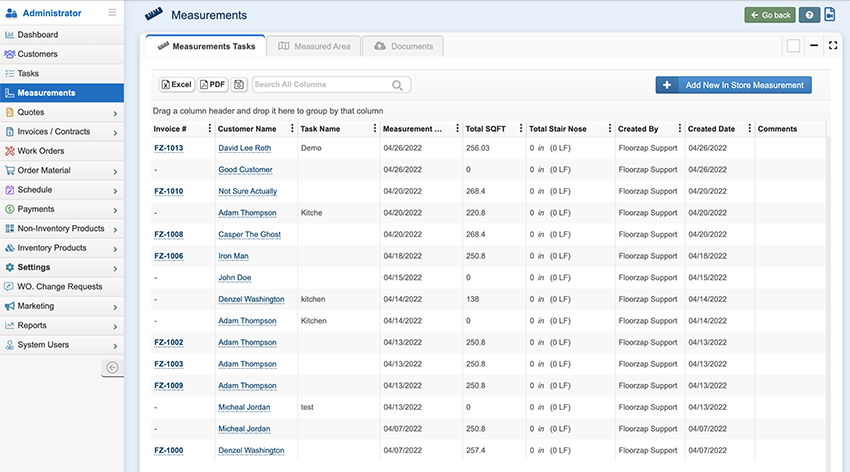
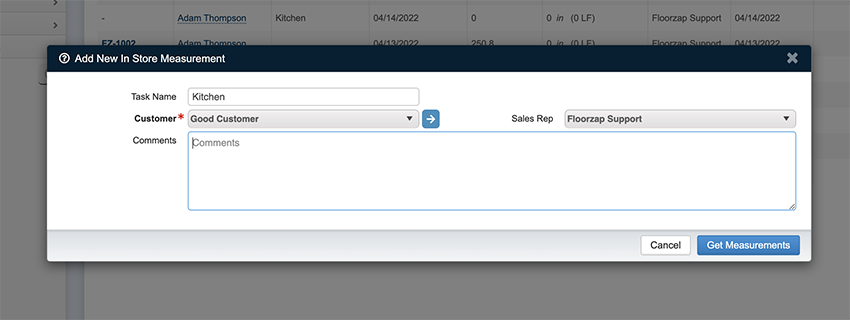
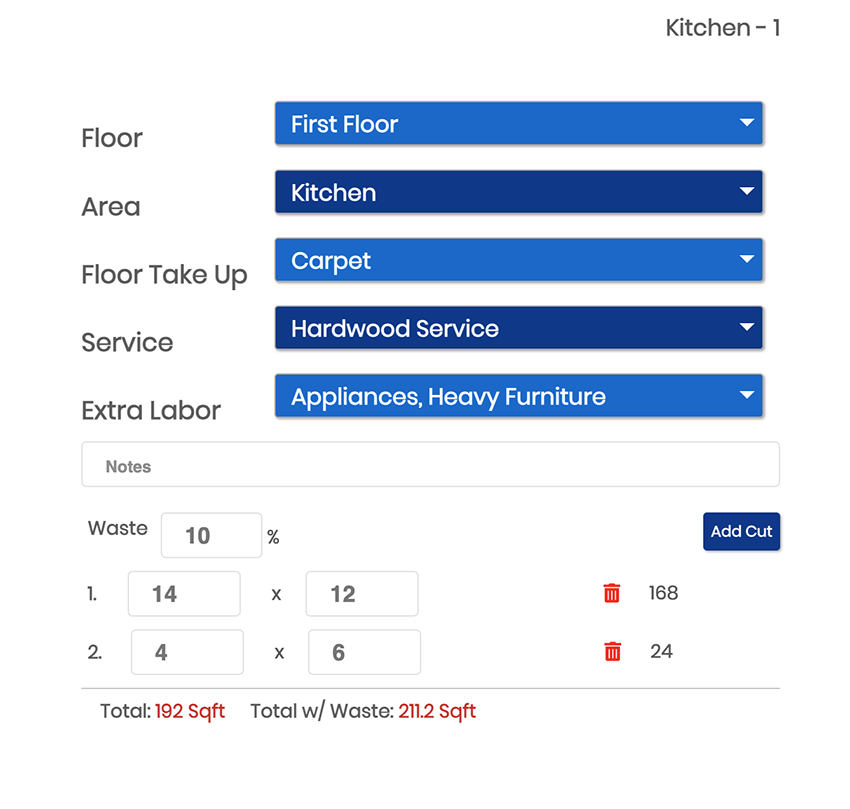
Create your 1st Measurement in Floorzap
Create a measurement in floorzap
Did you find this article useful?
Yes
No
Related Articles
How Can I Edit A Measurement Task (ie. Date, Time Customer or Salesman)?
Navigate to the "Measurements Tasks" tab. Click on the "Pencil Icon" on the right-hand side of the l...
How to edit the Square Footage of an area?
Navigate to the measurements task area from the main menu. Click on the line associated with the mea...
How to send a measurement reminder to a Customer or Salesman?
Navigate to the "Measurements Tasks" tab. Click the "Gear Icon" on the far right side on the line of...
How do I edit the square footage of a measurement?
From the dashboard navigate to the measurement tab on the left-side menu and click to select. Highl...
How do I send a measurement reminder to a customer or salesperson?
From the dashboard navigate to the measurement tab on the left-side menu and click to select. High...